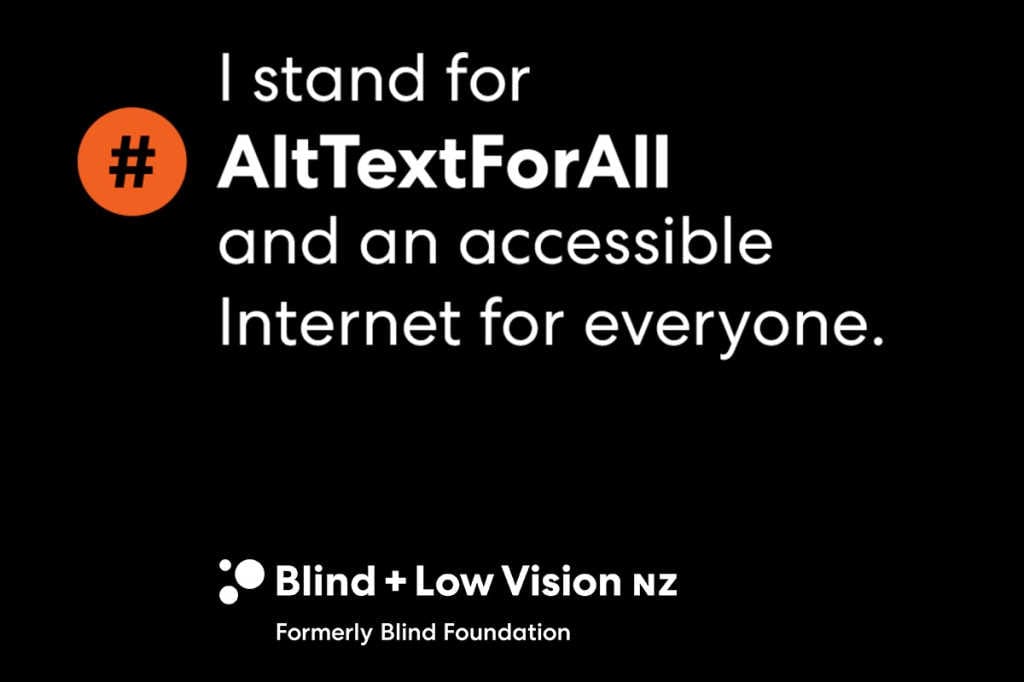
With a staggering 6.6 billion pictures reportedly being uploaded to the internet each day, Blind & Low Vision NZ has launched an online campaign #ALTTextForAll to raise awareness of the concept that allows blind and low vision people to participate more fully on social media.
Each image uploaded to the internet has an accessible functionality called ‘alt text’. When used well, it enables people who cannot see an image to experience it through a screen reader.
How to use alt text on Facebook, for example: On an existing post, tap the three dots in the top right corner. Then tap ‘edit alt text’ and tap “override generated alt text’. Write your alternative text to describe your image and tap ‘save’. Easy!
For more on how to alt text on Instagram, Twitter and LinkedIn, see https://www.alttextforall.com/